Admin portal
The admin portal is where your organization's administrators manage the
platform: connecting cloud storage, configuring single sign-on, setting up
compute for analyses, and — in the hosted edition — managing billing. It is a
separate application from the main Cytario app, reached at its own address
(admin.<your-domain>), and it signs in with the same organizational identity.
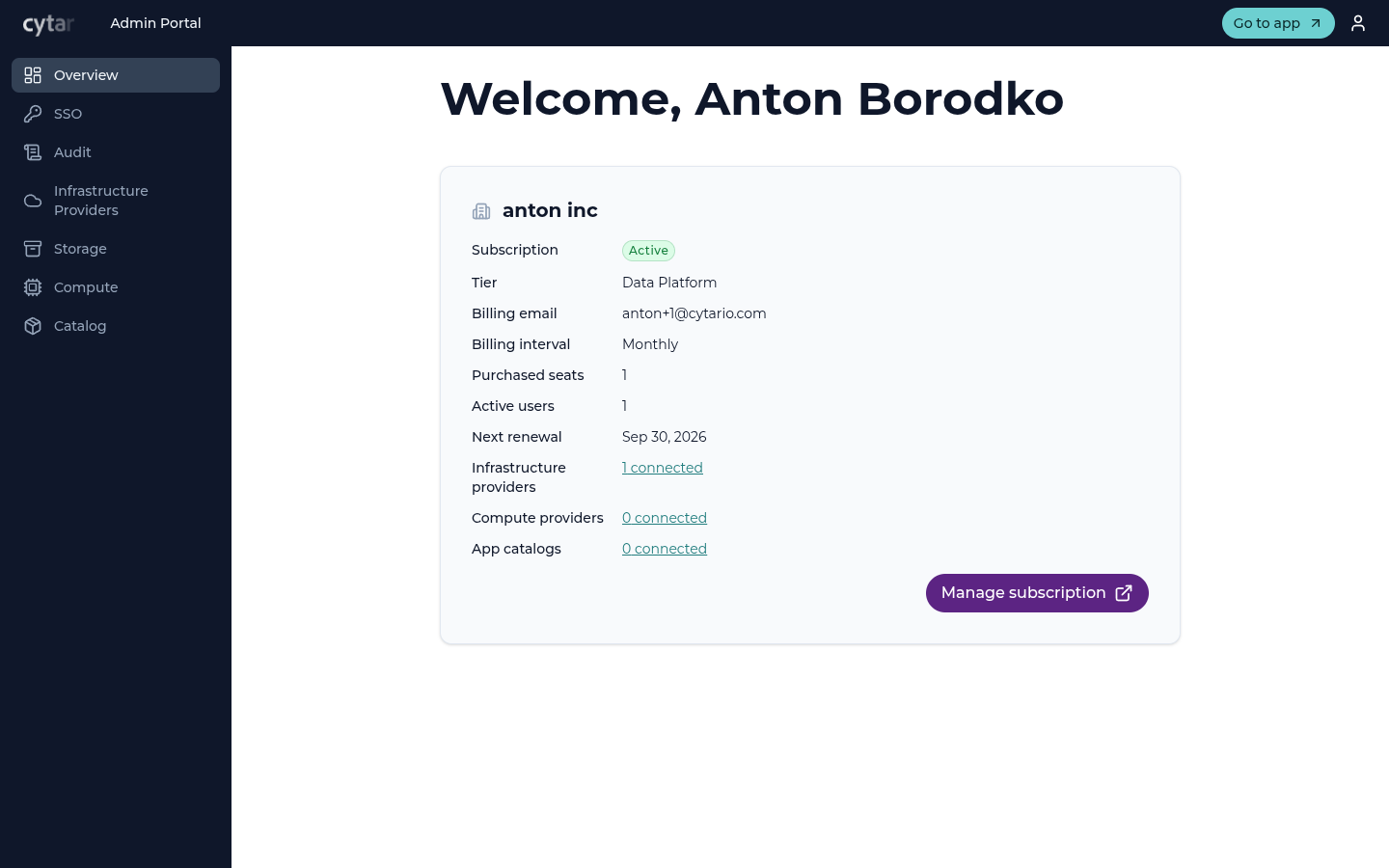
Sections
| Section | What it's for |
|---|---|
| Overview | Organization and subscription summary |
| SSO | Configure single sign-on against your identity provider |
| Audit | Review recorded actions in your organization's audit log |
| Storage | Provider connections, buckets, provider roles, and storage connections |
| Compute | Compute providers for running analysis jobs |
| Catalog | The container registries that supply analysis applications |
| Billing | Subscription and payment (hosted edition only) |
| Legal | Data Processing Agreement and legal-document links (hosted edition only) |
Available editions
The admin portal exists in the hosted (SaaS) and Enterprise (EE) editions. Self-hosted open-source builds have no admin portal — storage is provisioned by your operator instead. See Editions.
Access
Your account must be assigned an administrator role in your organization to see the portal's management functions. Everyday viewers do not use it — they work in the main Cytario app.