Search
Search helps you find files across folders by name or path prefix, without navigating through the folder tree.
How search works
- Type your query to find files and folders matching the name or path.
- Results are filtered to what you are allowed to access — you never see items outside your organization's scope.
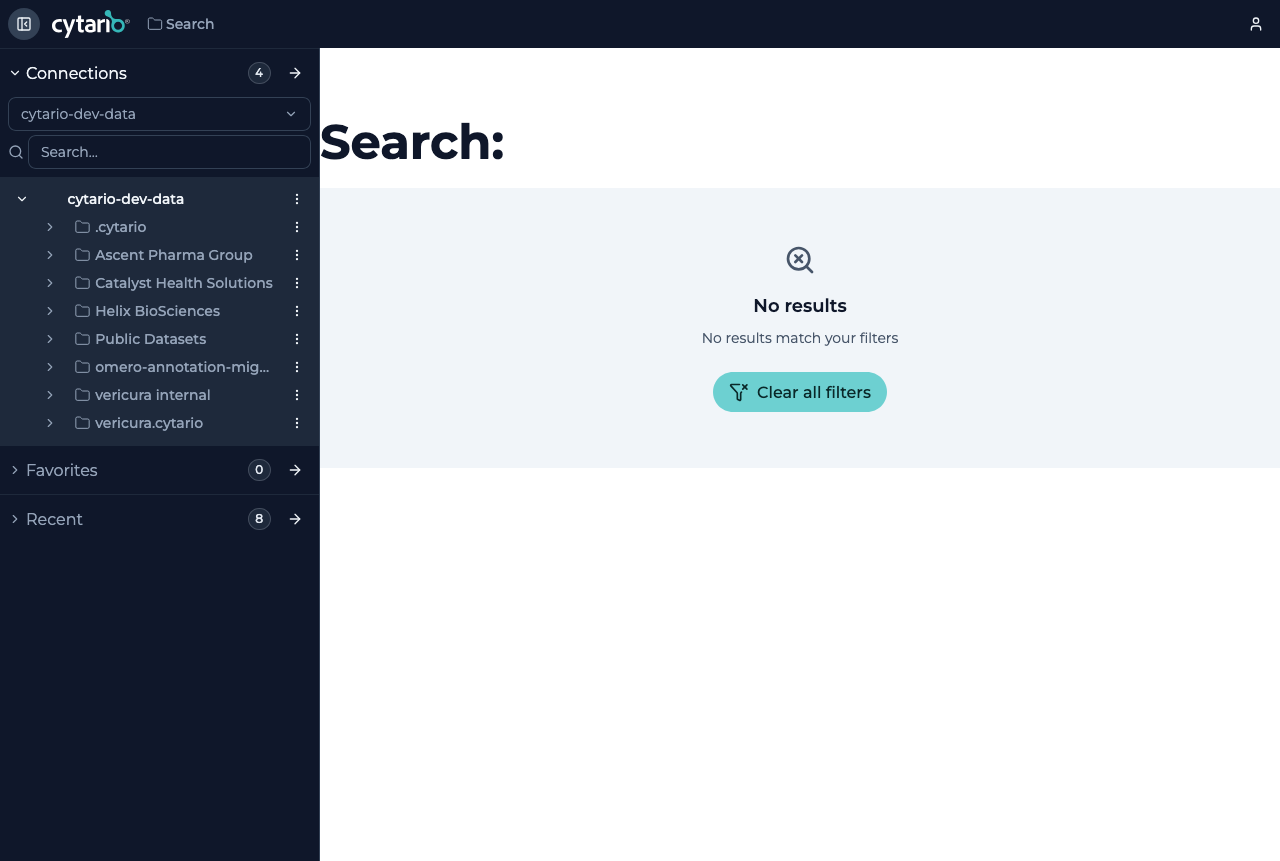
- When nothing matches, the screen shows No results; choose Clear all filters to start over.
Related ways to find items
- Favorites — items you pinned for quick access.
- Recent — items you viewed recently.
Both are reachable from the home screen and the object browser navigation.