Storage management
Storage is managed through two sections of the admin portal — Infrastructure Providers and Storage. Together they follow the flow connect an account → register its buckets → use them in the app:
- Infrastructure providers — the cloud accounts connected to your organization.
- Storage — the buckets registered under those accounts, each with its provisioned access roles.
Infrastructure providers
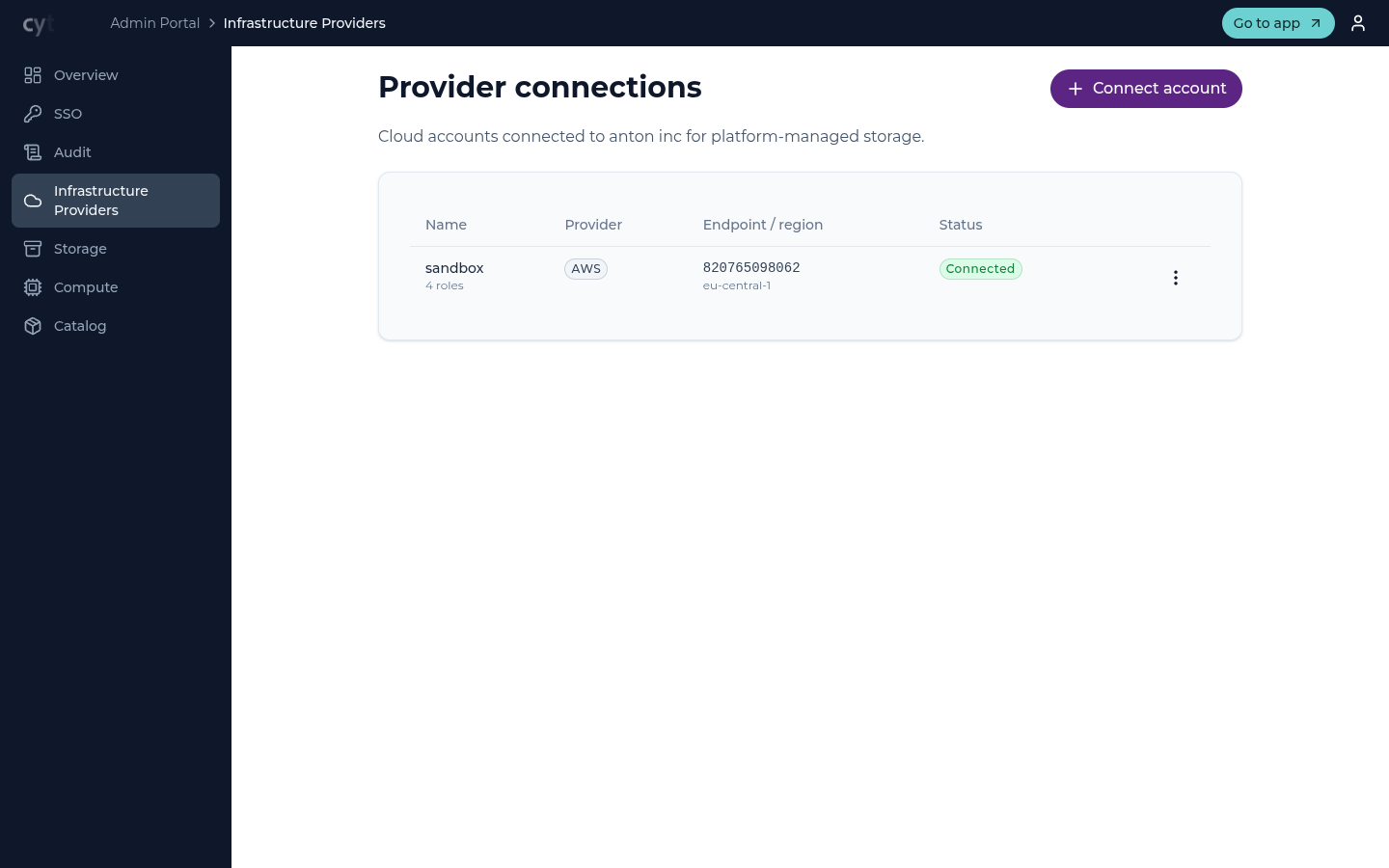
A provider connection is a cloud storage account connected to your
organization. Cytario connects an AWS account for you through a guided,
one-click setup — no hand-crafting of cloud identity-and-access policies.
RustFS storage is connected by entering the instance's endpoint URL; its
access policies and user groups are prepared in advance by your operator — see
the RustFS onboarding runbook.
Each entry shows the provider (e.g. AWS), the account / region
(e.g. 727043715722 · eu-central-1), and its verification status.
Use Connect account to add one. Existing accounts can be re-verified or disconnected from the entry's actions.
Storage
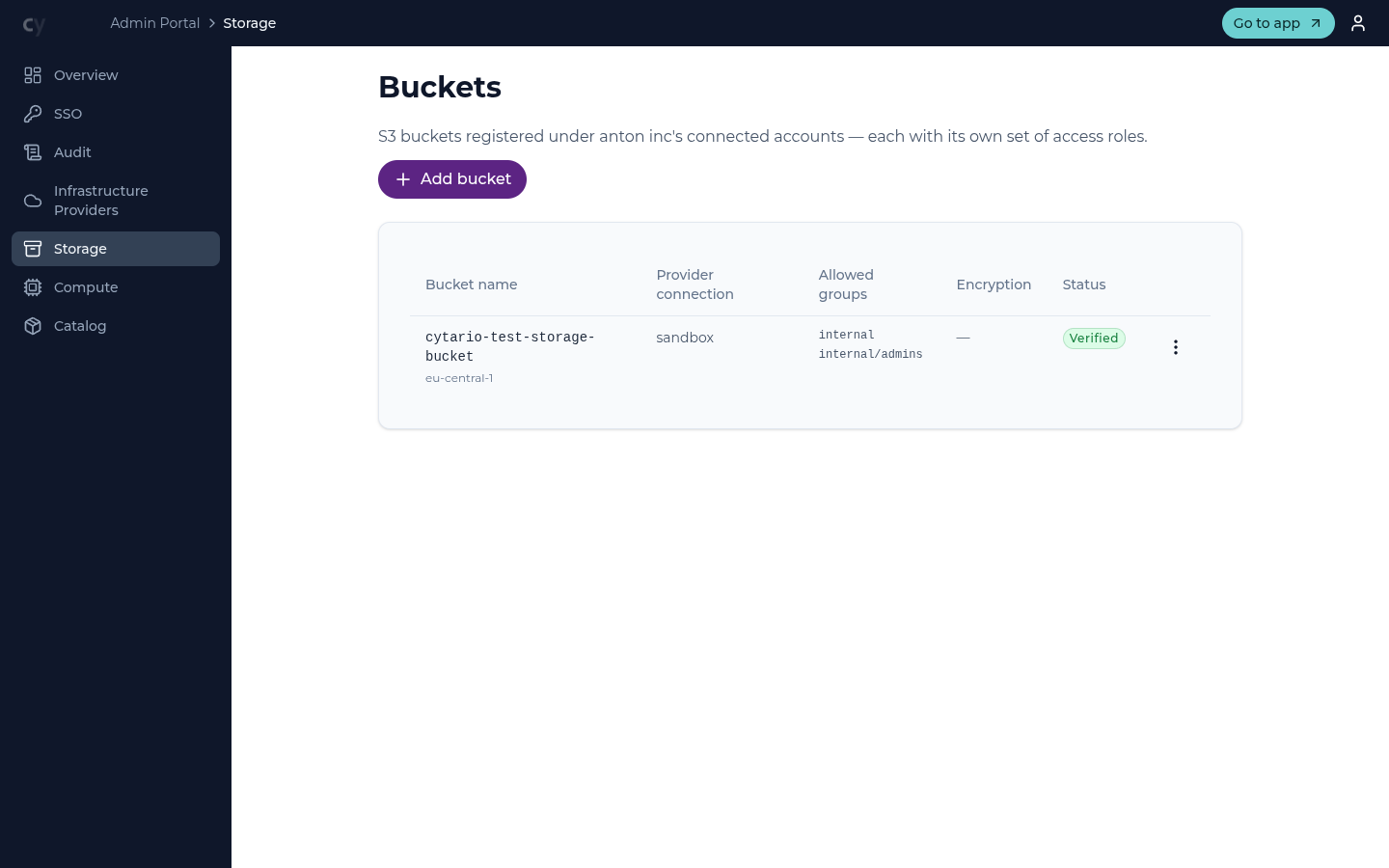
Under a connected account, the Storage section registers the specific buckets your organization intends to use. Registering a bucket:
- verifies the account's Admin Role can reach it,
- applies the necessary cross-origin (CORS) configuration, and
- provisions the bucket's access roles automatically.
Each bucket entry shows the account it belongs to, its region, the allowed groups whose members may select the bucket, the encryption mode, and the provisioned access roles.
Access roles
Every registered bucket comes with four access roles. Instead of defining roles by hand, you pick one of these levels when granting access:
- Read Only — view data only.
- Annotate — view data and write annotations.
- Read Write — full read/write on the bucket's data.
- Admin — read/write plus the ability to share folders onward.
Allowed groups
A bucket's allowed groups scope which organization groups may select it when they create a connection in the main app. Edit the group list from the bucket's actions; members of groups outside the list cannot see the bucket's data.
How it fits together
Connect an account, register its buckets (roles are provisioned automatically), and that is what an organization member selects when they add a connection in the main app — see the Connect storage guide.