Compute
The Compute section lets administrators connect compute capabilities so that organization members can run analysis applications on their images.
Compute providers
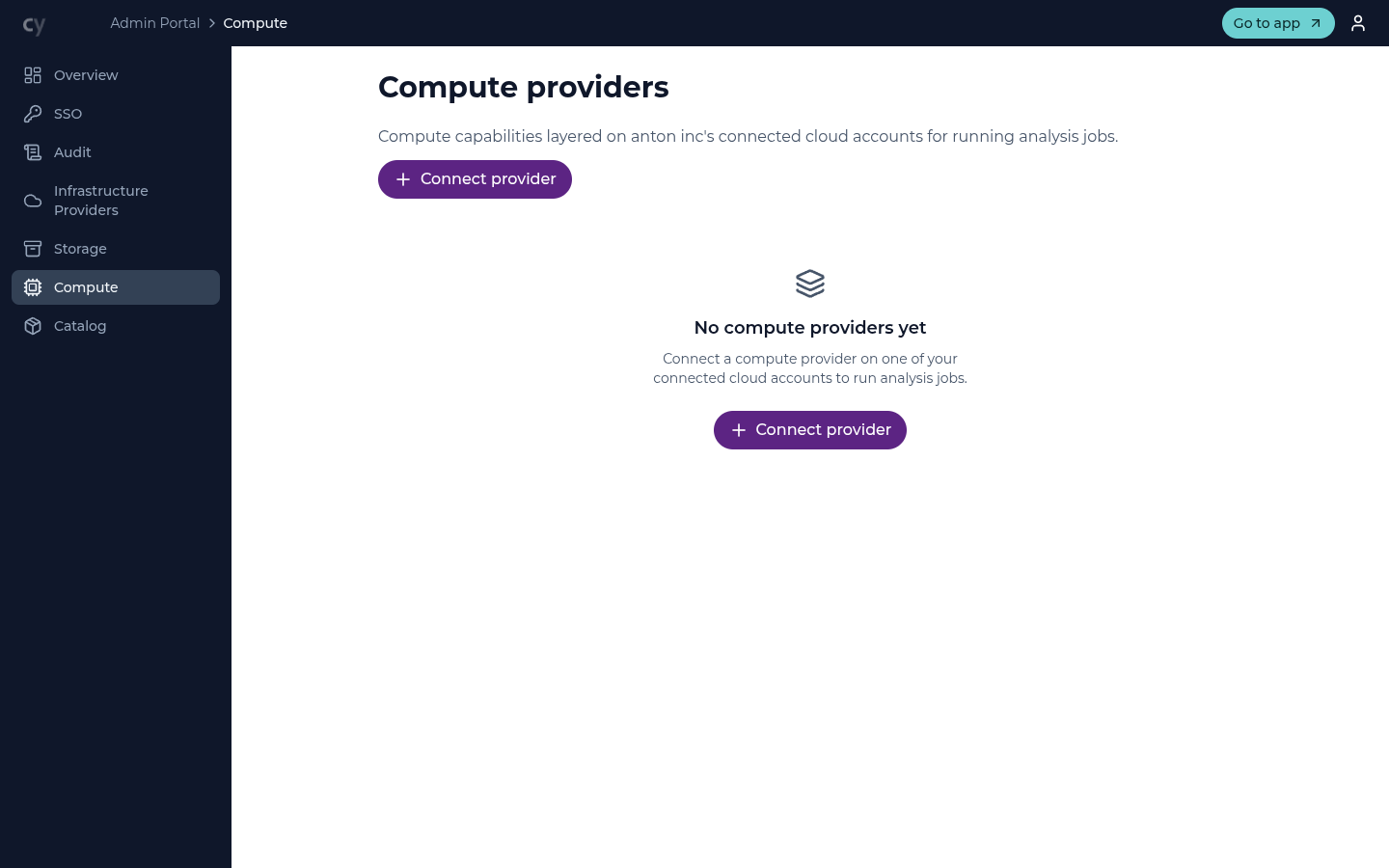
Use Connect provider to add a compute provider layered on one of your connected cloud accounts. The Compute pane has Providers and Roles sub-pages; once a provider is connected and its roles defined, members can run jobs against it. Until then the section shows no compute providers — analysis is not available to your organization.
Application catalog
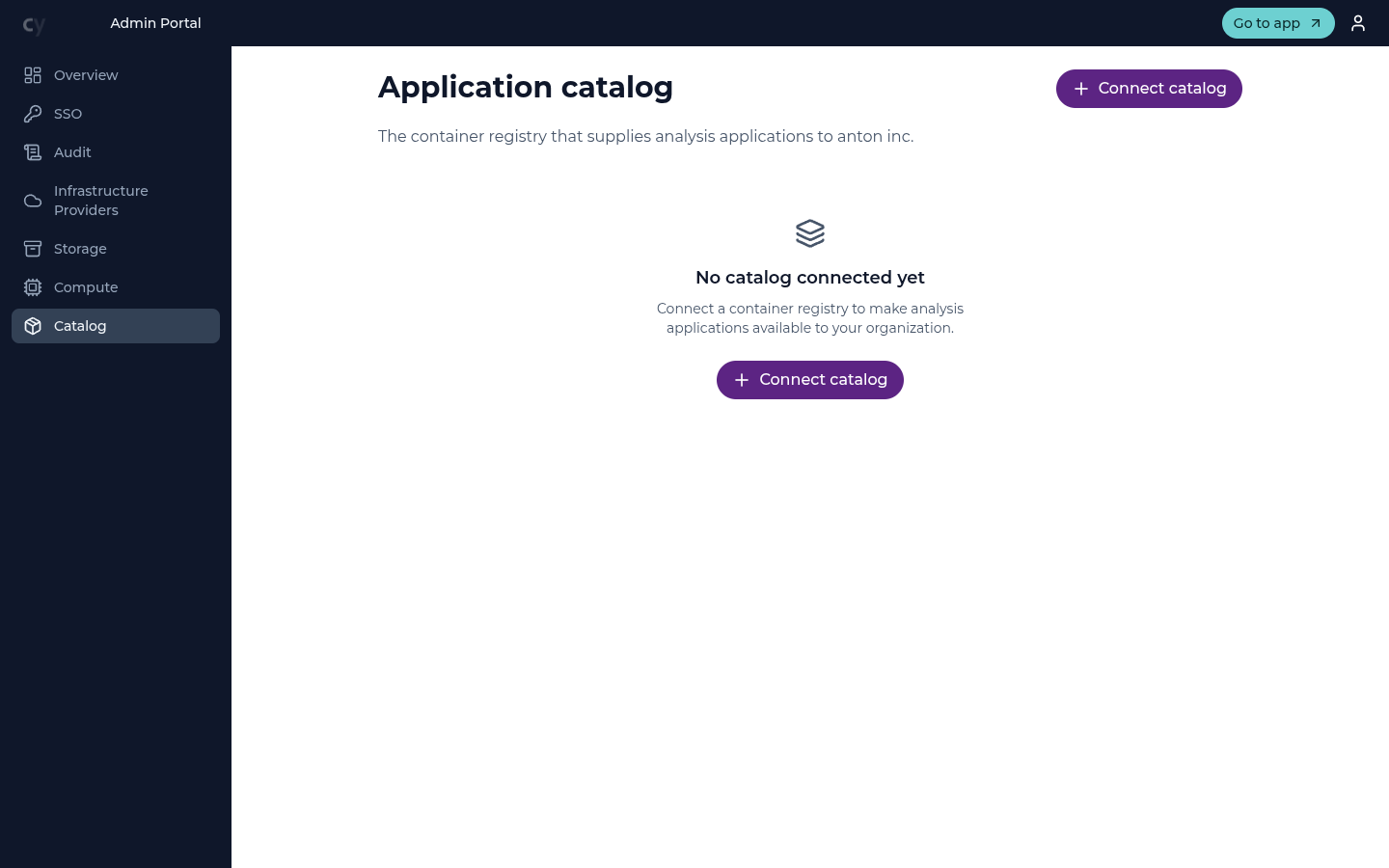
The Catalog page connects the container registries that supply analysis applications to your organization — one row per catalog, and your organization may hold more than one. Use Connect catalog to point at a registry; once connected, its applications become available for members to choose when they run an analysis. See Application catalogs for the multi-catalog view, the per-catalog cluster scope, and duplicate-name feedback.
How it fits together
To make analysis available:
- Connect a compute provider on a connected cloud account.
- Connect one or more application catalogs (container registries).
- Members can then select an application and run it from the main app (see Running an analysis) and track it in Jobs.
Until compute is configured, the Jobs entry does not appear in the main app for your organization.