Billing & subscription
The Billing page shows your organization's subscription and payment details. It is available in the hosted (SaaS) edition, where the organization manages its own subscription.
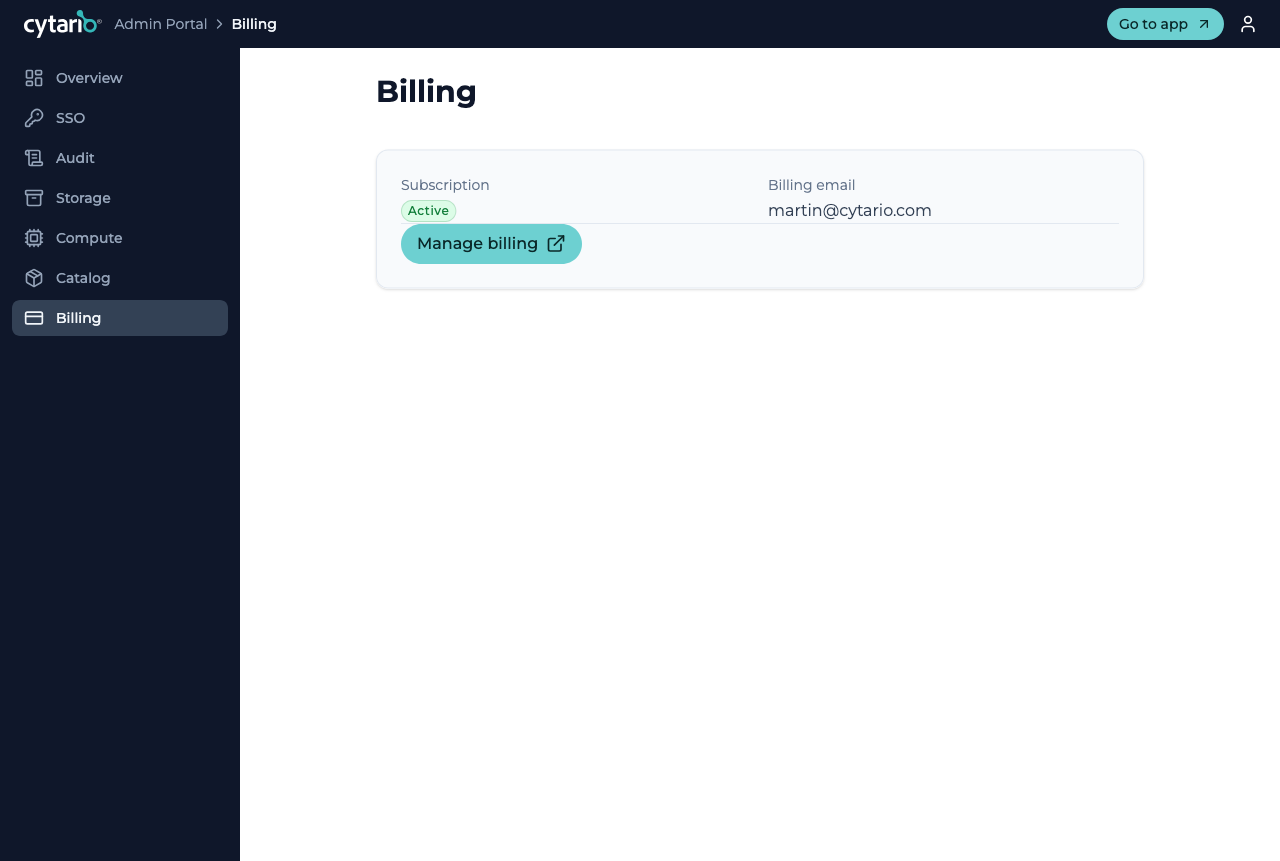
The page shows:
- Subscription — your current state (for example Active).
- Billing email — the contact for billing.
Managing billing
Use Manage billing to open the hosted billing portal, where you can update your payment method and review invoices. Cytario does not render its own payment-card entry in the app — payment details are handled in the secure billing portal.
Subscription states & access
Your organization's subscription state is surfaced to members in the main app as well, so everyone stays aware of the organization's standing:
- Trial, trial-ending-soon, incomplete — shown with a dismissible banner.
- Payment overdue — a persistent banner prompts the admin to update billing details; full access is retained through a grace period so work is not interrupted.
- Canceled — access is blocked until the subscription is reactivated. Data is retained, not deleted.
Self-hosted deployments have no self-service subscription — they are licensed under a separate agreement (see Editions).